Sirius-based notation
- Create a generic Eclipse project with the Emfatic metamodel
- Name the project after your metamodel (e.g. if the filename of your metamodel is
sdl.emf, name the projectsdl)
- Name the project after your metamodel (e.g. if the filename of your metamodel is
- Generate the
.ecorefile from the Emfatic metamodel, and use it to generate themodel,edit, andeditorplugins- For detailed steps, check the recording of the second lecture of Week 6 (“The Eclipse Modeling Framework”)
- Define a Sirius graphical editor following the steps in the Sirius lectures on Week 7
- Run a nested Eclipse instance
- Right-click on your project and select
Run as -> Eclipse Application
- Right-click on your project and select
- Create a model using your Sirius-based editor in the nested workspace
Example editors
Below are three Sirius-based editors from which you can draw inspiration.
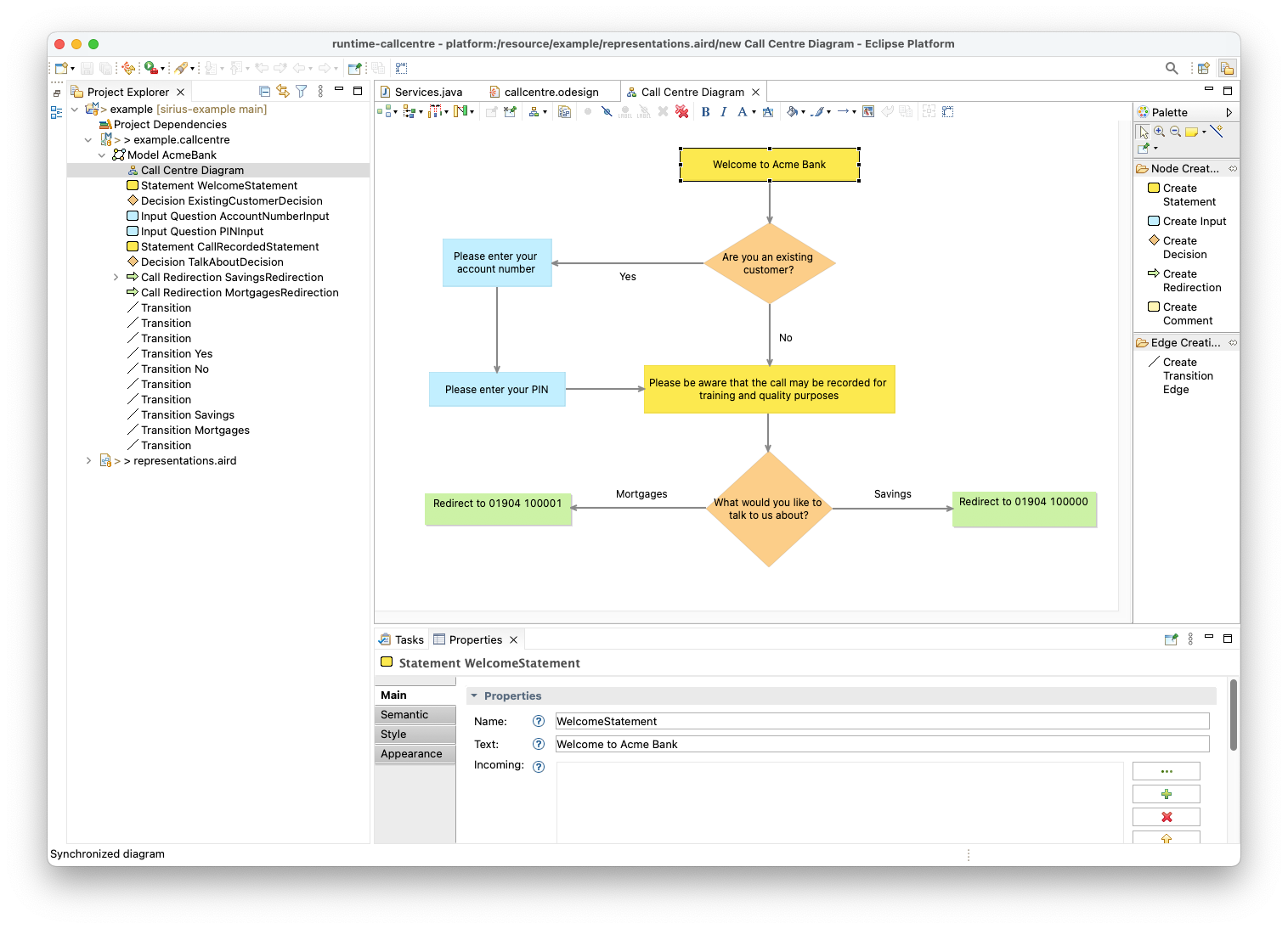
Call Centre Language
GitHub repository: https://github.com/uoy-cs-eng2/callcentre-sirius
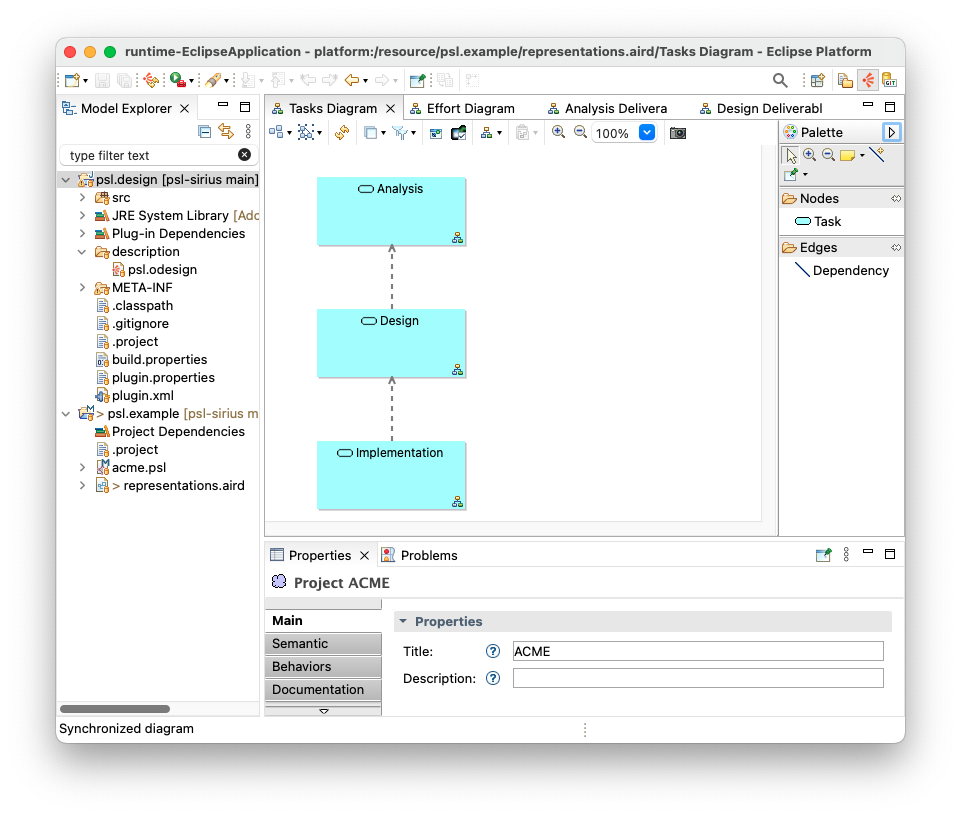
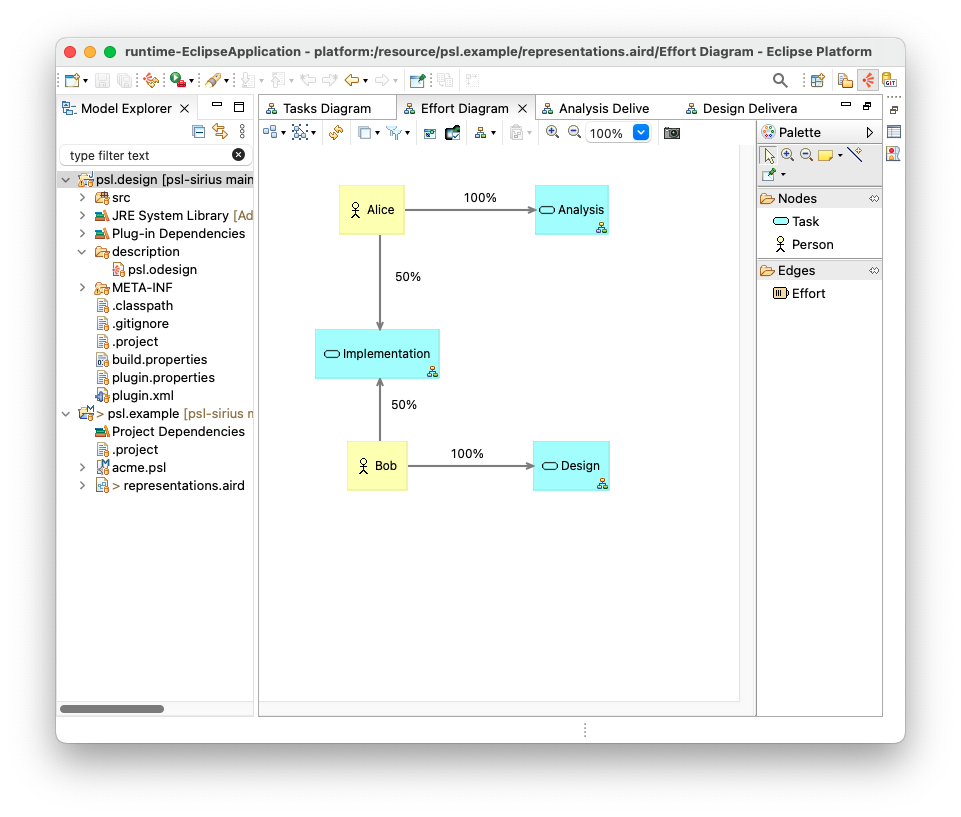
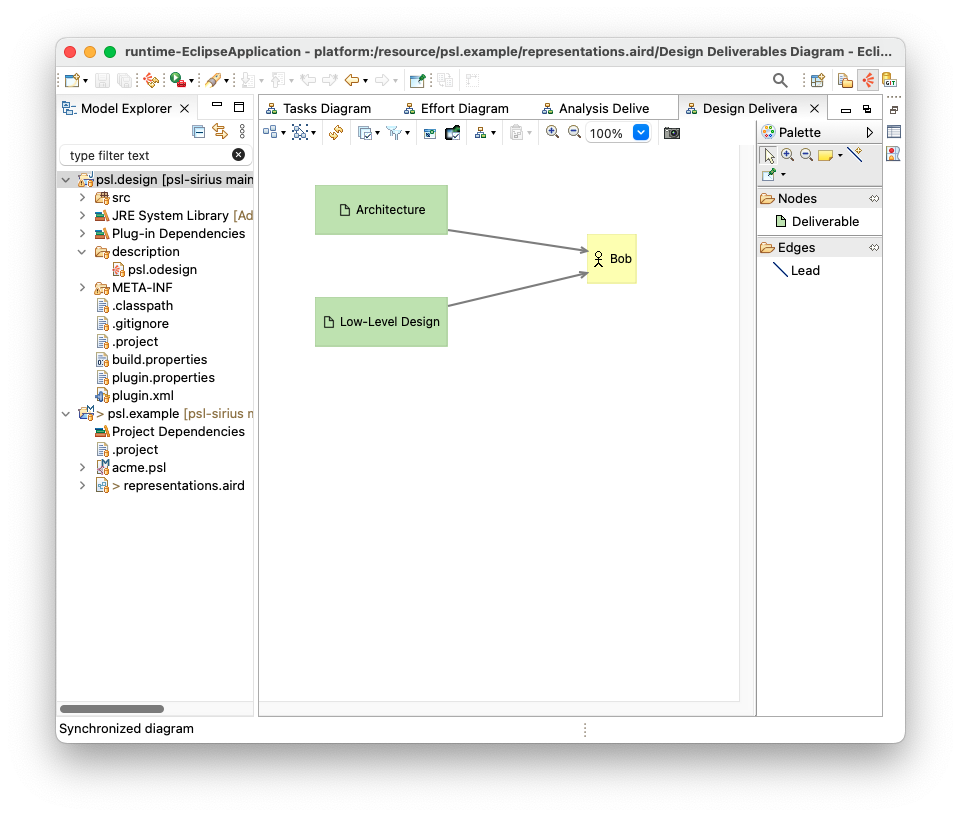
Project Scheduling Language
GitHub repository: https://github.com/uoy-cs-eng2/psl-sirius
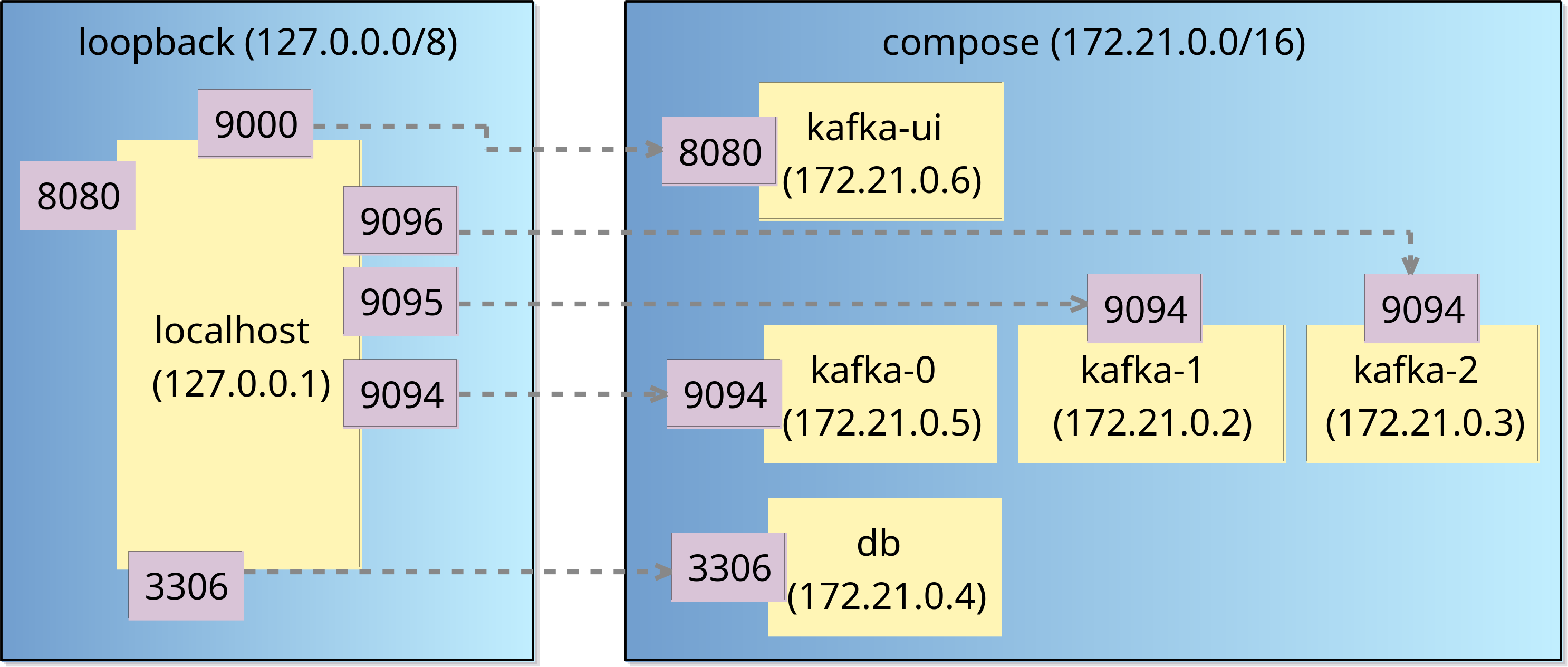
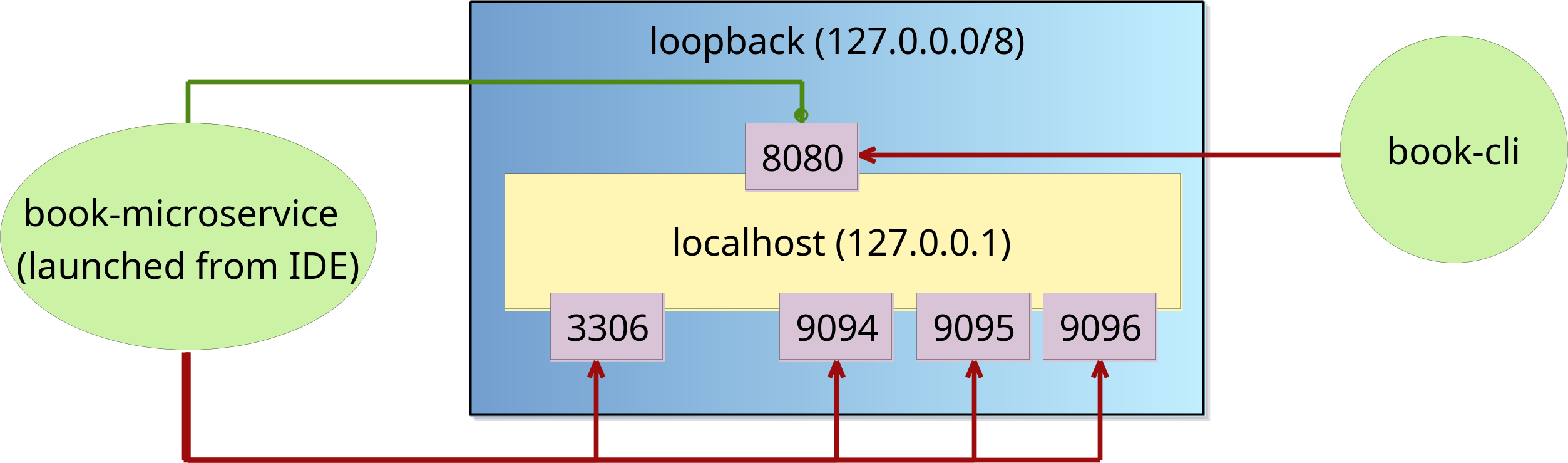
Docker Network Language
GitHub repository: https://github.com/uoy-cs-eng2/docker-network-diagrams
Sirius documentation
- Getting Started with Sirius
- Sirius documentation
- Within this documentation, the Sirius Specifier Manual will be very useful if you are creating your own Sirius-based notation
- BasicFamily tutorial
For additional resources, please check the links at the end of the Sirius lecture.